3D Modeling Service to Help You in the Busy Home Building Market!
3D Models, Renderings, VR Experiences & Estimates! Whatever you need to get the job done, we are here to help.
Explore Virtual Reality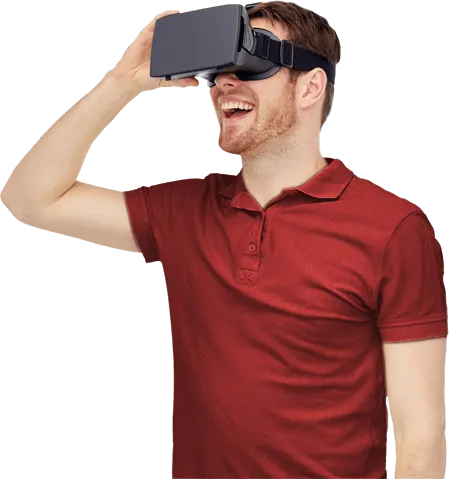
3D Models, Renderings, VR Experiences & Estimates! Whatever you need to get the job done, we are here to help.
Explore Virtual Reality
Creating awesome 3D BIM models for residential projects is our expertise. Whether you need the 3D modeling for marketing materials; renderings, VR experiences or animations or you want to leverage the BIM model for estimates or working drawings, we can help. We are Envisioneer experts and we can work with you when you don't have time. 3D Modeling services, a green way of providing plans, for innovative Envisioneer users!
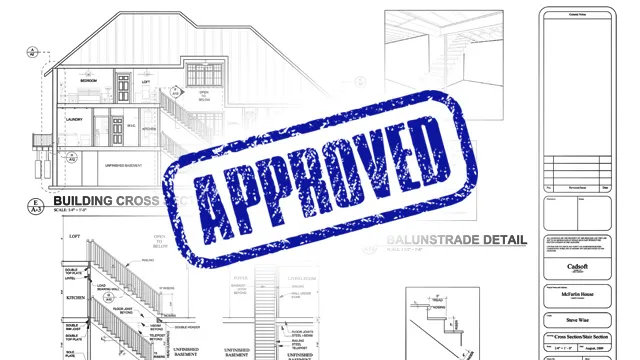
We create presentation drawings such as elevations, plans and sections directly from the 3D BIM model that we also give to you.
View Service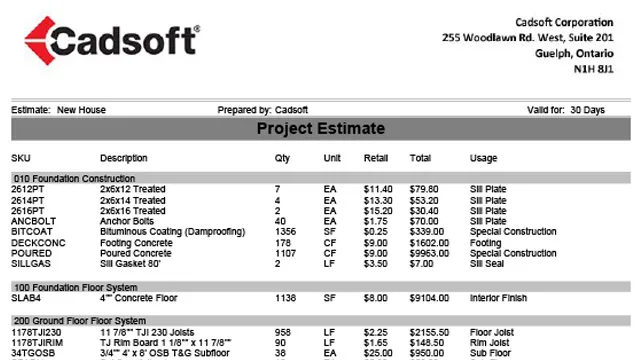
We generate full material lists from your pdfs, including cut lists and send you the 3D model where it was pulled from so you can use it for other areas of your business.
View Service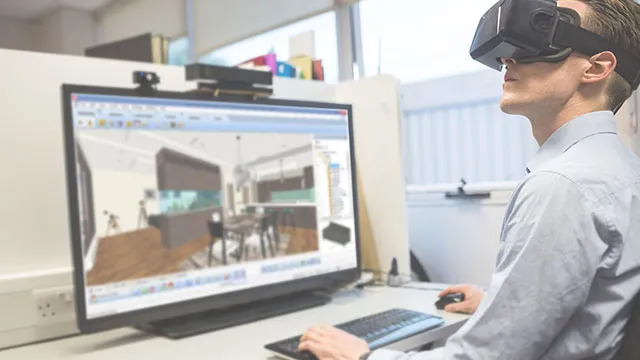
We create realistic images or immerse Virtual Reality experiences of your design. Present your designs with shadows, reflections, seasons and times of day.
View ServiceLet us, the experts, help you achieve a winning proposal for your next presentation. We don't just give you 2D plans but we outfit you with a 3D BIM model to use in all stages of the project.
3D experiences offer a level of realism that 2D images can't in the presentation stage. In a 3D experience, you can portray the actual lighting in the space and how they interact with the various materials selected. The furniture, the pictures on the wall and personal touches, evoke emotions that a water color illustration or 2D elevation just can't.
When making a residential design presentation it's the little details, the moments you build into the 3D space, that make the rooms feel like a home. The background scene, the landscape details, the little accessories built into each room, make people appreciate the space and spend time enjoying the experience. We realize those little details take time, time you don't have, so let us do that for you - build an experience for your clients of the designs you are proud to present.
When you meet with a client, don't show up with what you had time to do. Instead, let them experience what you are planning to create for them, using a 3D VR experience or rendering we create for you. You'll generate much more understanding and enthusiasm for the project.